By downloading this free guide, you agree to receive regular updates on the latest cool apps, product reviews, and giveaways from MakeUseOf.
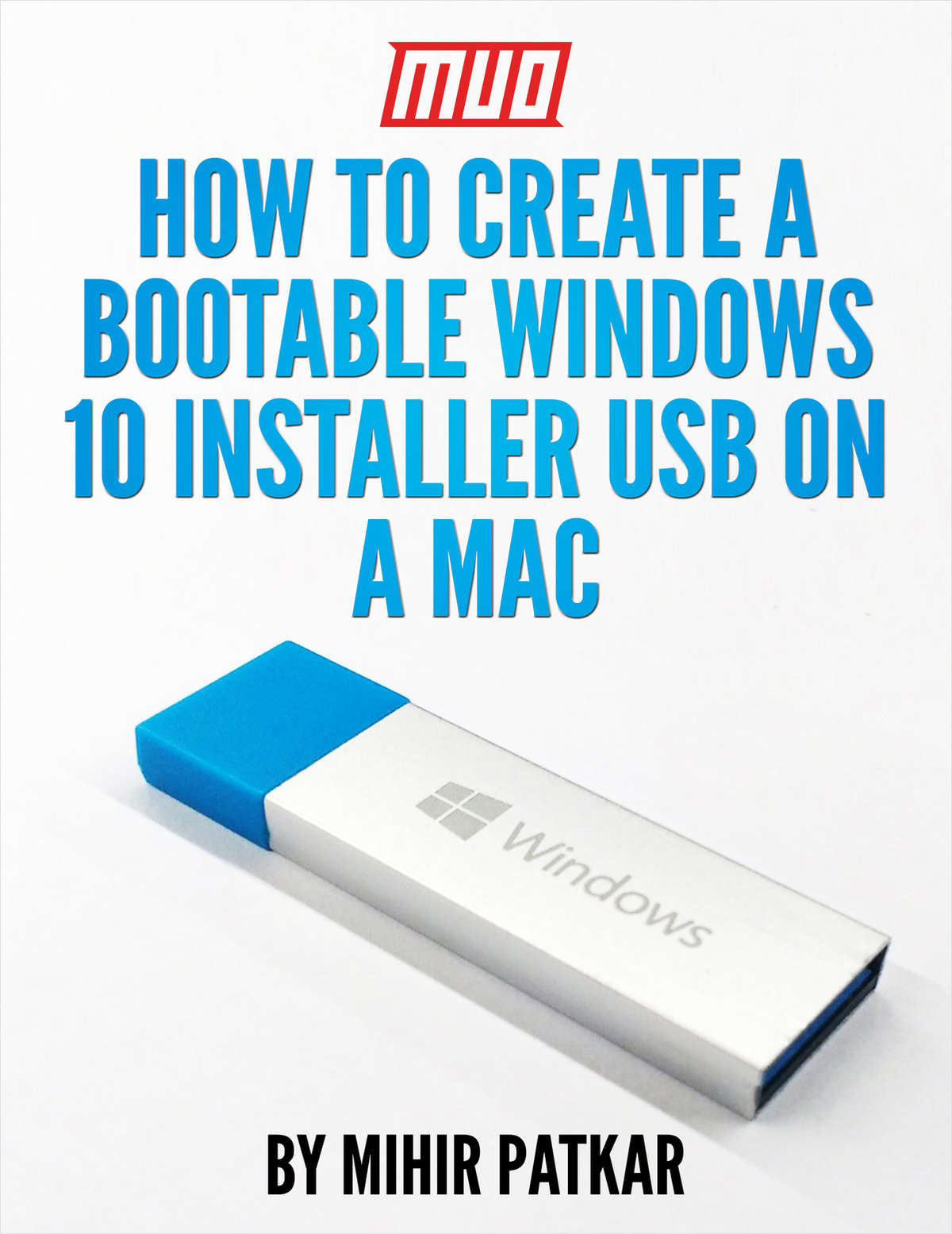
Whether you are dual-booting your Mac or formatting a new PC, the best way to get Windows 10 is through a fresh installation, not an upgrade. But you’ll need to create a bootable Windows 10 USB drive first. The process is a little more complicated if you’re using a Mac.
Microsoft offers a simple tool to create a bootable USB on Windows, but there is no such tool for Mac users. Fortunately the process is pretty easy, if you know how.
Offered Free by: MakeUseOf
The top resource for free professional and technical research, white papers, case studies, magazines, and eBooks.


The top resource for free professional and technical research, white papers, case studies, magazines, and eBooks.
Monthly digest of what's new and exciting from us.
