
Desktops, Laptops and OS
Executive Report
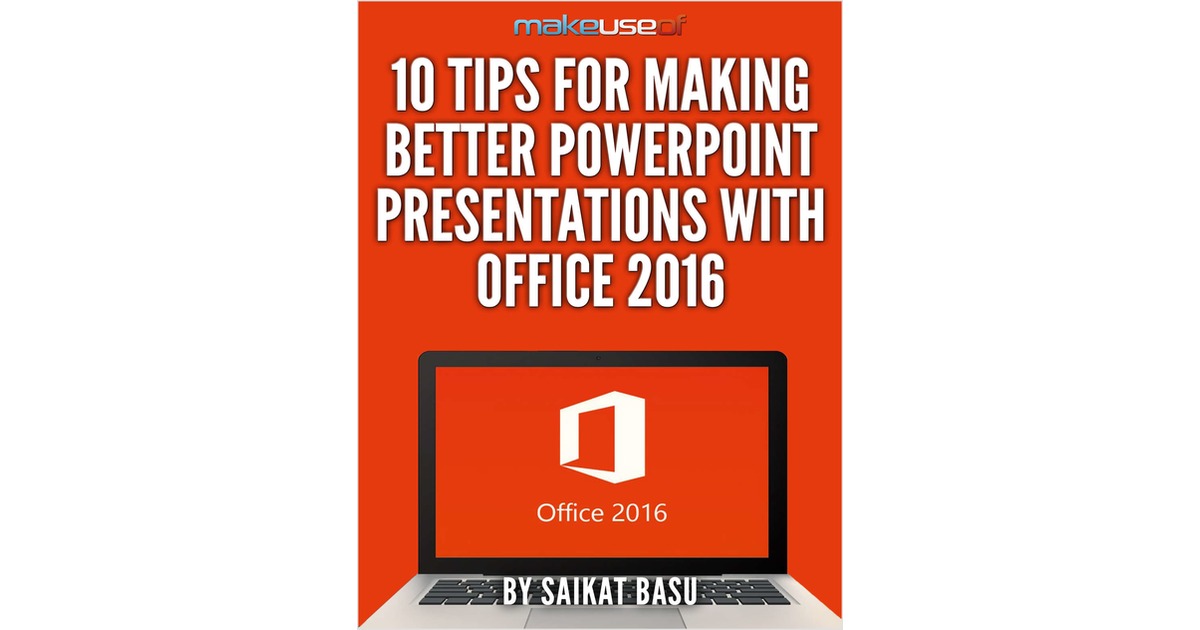
10 Tips for Making Better PowerPoint Presentations with Office 2016
By downloading this free guide, you agree to receive regular updates on the latest cool apps, product reviews, and giveaways from MakeUseOf. Like any presentat...
Document Specifications
Author / Publisher
ContentClik
Publication Date
December 2024
Format & Metrics
PDF •
0 Dls
AM
Executive Abstract
By downloading this free guide, you agree to receive regular updates on the latest cool apps, product reviews, and giveaways from MakeUseOf.
Like any presentation tool, it is meant to enhance what the presenter is saying. It’s not a tool to do the whole job for the presenter.
A PowerPoint presentation needs to work with the creative constraints of short attention spans. Not unlike the billboards designed to catch the eyes of speeding motorists. But, PowerPoint creators have the luxury of multiple slides to make a point. And some wonderful creative tools that have become better with the enhancements in Microsoft Office 2016. Let’s take a look at these new creative tools and see how you can make your presentations better.
Like any presentation tool, it is meant to enhance what the presenter is saying. It’s not a tool to do the whole job for the presenter.
A PowerPoint presentation needs to work with the creative constraints of short attention spans. Not unlike the billboards designed to catch the eyes of speeding motorists. But, PowerPoint creators have the luxury of multiple slides to make a point. And some wonderful creative tools that have become better with the enhancements in Microsoft Office 2016. Let’s take a look at these new creative tools and see how you can make your presentations better.

Unlock This Insight
Complete this form for instant access to this report and 1,500+ others.
Secure PDF
Verified Publisher
Stay Ahead of the Curve
Subscribe to our newsletter to receive the latest industry whitepapers, research, and insights straight to your inbox.
Never Miss Valuable IT Insights
Receive industry-specific whitepapers, research briefs, and corporate literature directly in your inbox.
10 Tips for Making Better PowerPoint Presentations with Office 2016
Free PDF Report