
Desktops, Laptops and OS
Executive Report
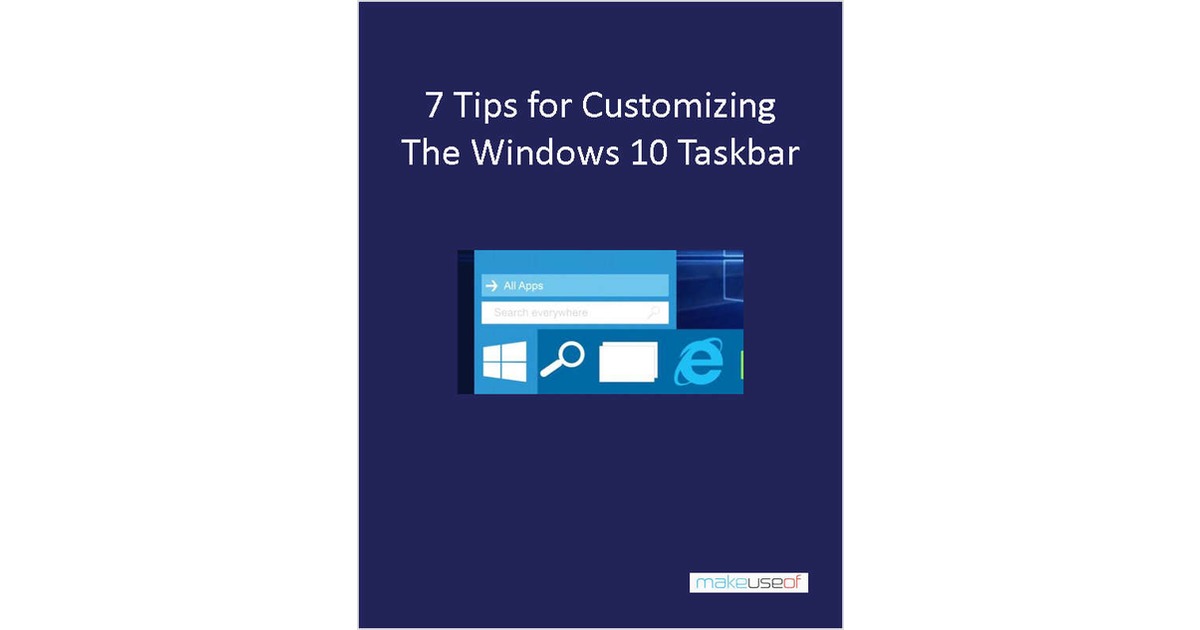
7 Tips for Customizing the Windows 10 Taskbar
By downloading this free guide, you agree to receive regular updates on the latest cool apps, product reviews, and giveaways from MakeUseOf. The taskbar is a s...
Document Specifications
Author / Publisher
ContentClik
Publication Date
January 2025
Format & Metrics
PDF •
0 Dls
AM
Executive Abstract
By downloading this free guide, you agree to receive regular updates on the latest cool apps, product reviews, and giveaways from MakeUseOf.
The taskbar is a staple feature of Microsoft’s operating system and it’s no different with Windows 10. It’s been given a lick of paint and new features like Cortana have been added to it, but it’s still the taskbar we all know and love.
While it’s great out of the box, you can make tweaks to get it looking and handling exactly how you want it. Want to add some icons or ditch the default ones? Maybe you want a splash of color? We’ve outlined these tips and more.
The taskbar is a staple feature of Microsoft’s operating system and it’s no different with Windows 10. It’s been given a lick of paint and new features like Cortana have been added to it, but it’s still the taskbar we all know and love.
While it’s great out of the box, you can make tweaks to get it looking and handling exactly how you want it. Want to add some icons or ditch the default ones? Maybe you want a splash of color? We’ve outlined these tips and more.

Unlock This Insight
Complete this form for instant access to this report and 1,500+ others.
Secure PDF
Verified Publisher
Stay Ahead of the Curve
Subscribe to our newsletter to receive the latest industry whitepapers, research, and insights straight to your inbox.
Never Miss Valuable IT Insights
Receive industry-specific whitepapers, research briefs, and corporate literature directly in your inbox.
7 Tips for Customizing the Windows 10 Taskbar
Free PDF Report