
Desktops, Laptops and OS
Executive Report
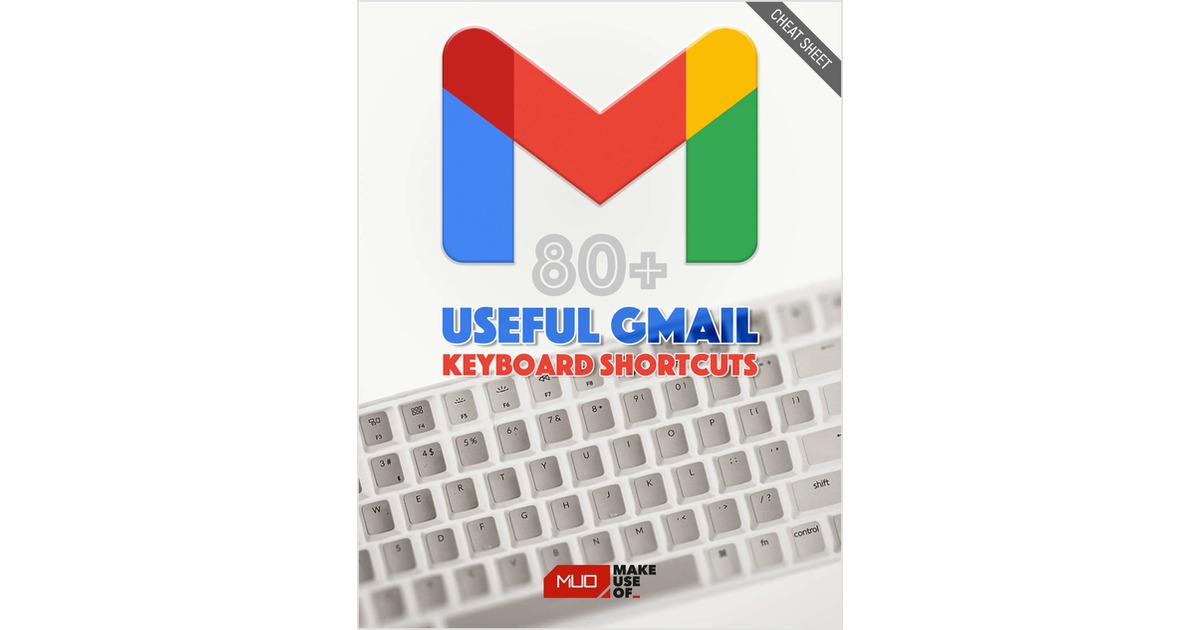
80+ Useful Gmail Keyboard Shortcuts (Free Cheat Sheet)
The easiest way to boost your Gmail productivity is to start using keyboard shortcuts. We've rounded them all up in this free cheat sheet. If you want to truly...
Document Specifications
Author / Publisher
ContentClik
Publication Date
December 2025
Format & Metrics
PDF •
0 Dls
AM
Executive Abstract
The easiest way to boost your Gmail productivity is to start using keyboard shortcuts. We've rounded them all up in this free cheat sheet.
If you want to truly master Gmail and boost your email productivity, you need to memorize all of its keyboard shortcuts. These help you navigate, compose, and format with ease. You can get more done when you spend less time moving and clicking your mouse.
To help you out, we've rounded up every Gmail keyboard shortcut. Keep this list by your side and soon the shortcuts will become second nature.
Before you begin, some keyboard shortcuts won't work if you haven't enabled a specific Gmail setting. Follow these steps to enable all keyboard shortcuts:
1. Go to Gmail and click Settings (cog icon) in the top-right.
3. Scroll down to the Keyboard shortcuts section and select Keyboard shortcuts on.
If you want to truly master Gmail and boost your email productivity, you need to memorize all of its keyboard shortcuts. These help you navigate, compose, and format with ease. You can get more done when you spend less time moving and clicking your mouse.
To help you out, we've rounded up every Gmail keyboard shortcut. Keep this list by your side and soon the shortcuts will become second nature.
Before you begin, some keyboard shortcuts won't work if you haven't enabled a specific Gmail setting. Follow these steps to enable all keyboard shortcuts:
1. Go to Gmail and click Settings (cog icon) in the top-right.
3. Scroll down to the Keyboard shortcuts section and select Keyboard shortcuts on.
Unlock This Insight
Complete this form for instant access to this report and 1,500+ others.
Secure PDF
Verified Publisher
Stay Ahead of the Curve
Subscribe to our newsletter to receive the latest industry whitepapers, research, and insights straight to your inbox.
Never Miss Valuable IT Insights
Receive industry-specific whitepapers, research briefs, and corporate literature directly in your inbox.
80+ Useful Gmail Keyboard Shortcuts (Free Cheat Sheet)
Free PDF Report