
Desktops, Laptops and OS
Executive Report
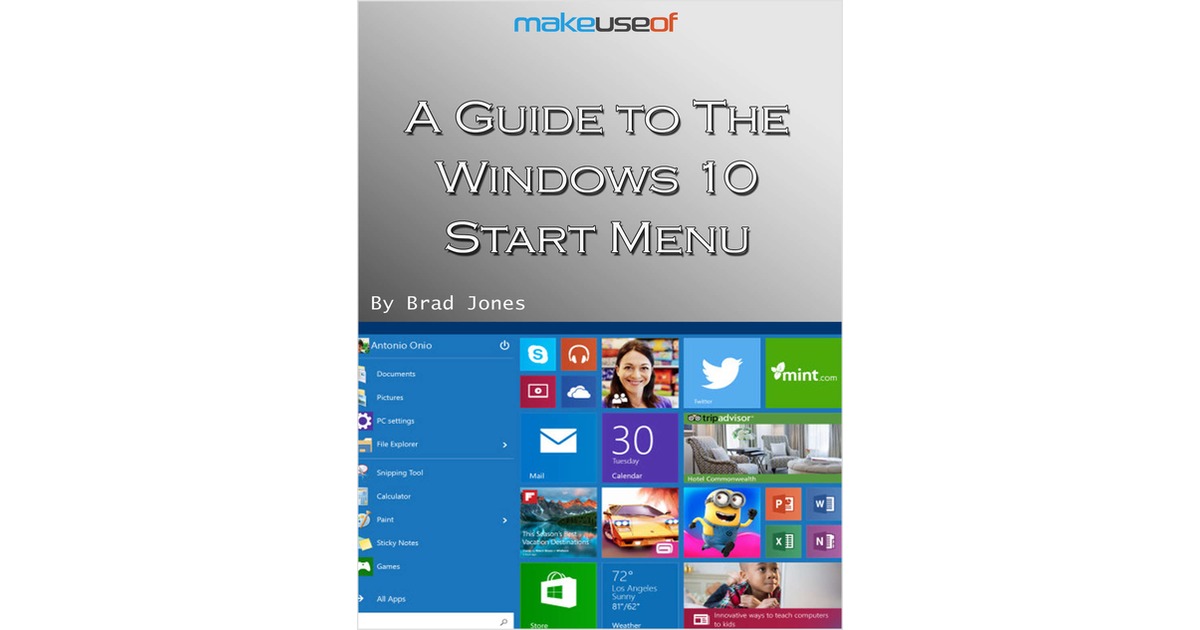
A Guide to the Windows 10 Start Menu
By downloading this free guide, you agree to receive regular updates on the latest cool apps, product reviews, and giveaways from MakeUseOf. Since the release...
Document Specifications
Author / Publisher
ContentClik
Publication Date
May 2026
Format & Metrics
PDF •
0 Dls
AM
Executive Abstract
By downloading this free guide, you agree to receive regular updates on the latest cool apps, product reviews, and giveaways from MakeUseOf.
Since the release of Windows 95, the Start Menu has been the primary way for users to access their files and applications. Microsoft attempted to move away from this setup with Windows 8, creating a serious backlash. Now the Start Menu is back and better than ever for Windows 10.
However, there have been a few changes since the last time we saw the Start Menu. There’s more functionality and customization options packed in than ever before, but the best way to take advantage of it might not be immediately obvious. Use this guide to get a firm grasp of the basics, and you’ll soon be using the Start Menu like a true Windows 10 expert.
Since the release of Windows 95, the Start Menu has been the primary way for users to access their files and applications. Microsoft attempted to move away from this setup with Windows 8, creating a serious backlash. Now the Start Menu is back and better than ever for Windows 10.
However, there have been a few changes since the last time we saw the Start Menu. There’s more functionality and customization options packed in than ever before, but the best way to take advantage of it might not be immediately obvious. Use this guide to get a firm grasp of the basics, and you’ll soon be using the Start Menu like a true Windows 10 expert.
Unlock This Insight
Complete this form for instant access to this report and 1,500+ others.
Secure PDF
Verified Publisher
Stay Ahead of the Curve
Subscribe to our newsletter to receive the latest industry whitepapers, research, and insights straight to your inbox.
Never Miss Valuable IT Insights
Receive industry-specific whitepapers, research briefs, and corporate literature directly in your inbox.
A Guide to the Windows 10 Start Menu
Free PDF Report